Files context menu
TODO: Complete, review, update links.
Right-click on the Files table content area to see the context menu that offers numerous options for manage files.
Menu
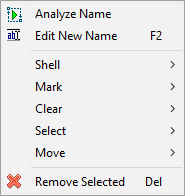
| Analyze Name | Opens analysis window, and loads the names of the selected files into it. | |
| Edit New Name | F2 | Starts manual editing of the selected filename. |
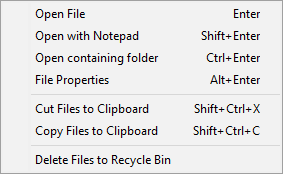
| Shell | Options for Windows shell operations. | |
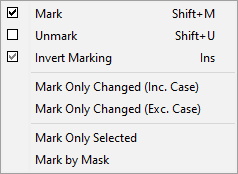
| Mark | Options for marking specific items. | |
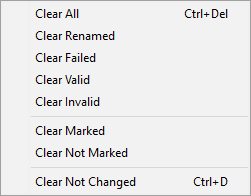
| Clear | Options for removing specific items from the Files pane. | |
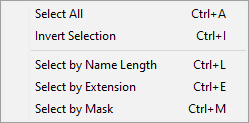
| Select | Options for selecting specific items. | |
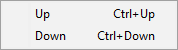
| Move | Options for moving specific items. | |
| Remove selected items | Del | Remove selected items from the ReNamer's File pane. (This command does not delete the items from the disk.) |
Shell menu
Mark menu
Clear menu
Select menu
Move menu