Settings
TODO
The Settings (also called Options) allow you to configure various behavioral aspects and features of the application. You can access them via the Options main menu item, the Settings button in the toolbar, or by using the F4 shortcut key.
The available settings are split into several broad categories outlined below.
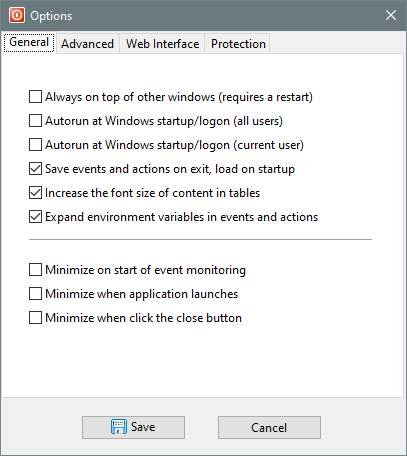
General
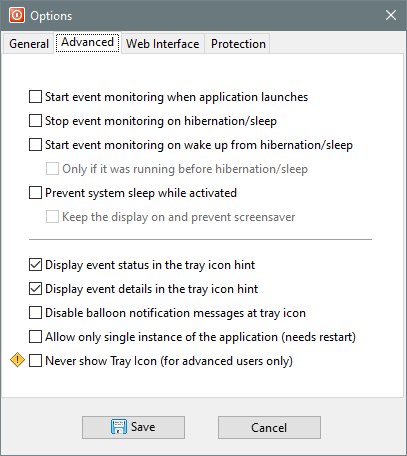
Advanced
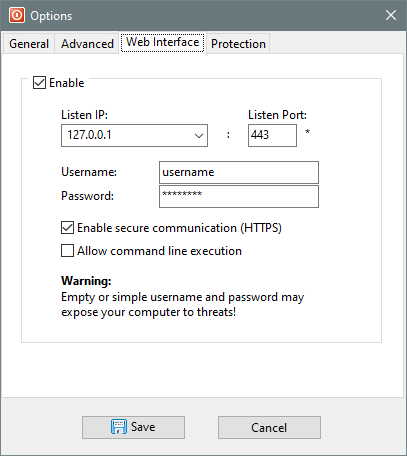
Web Interface
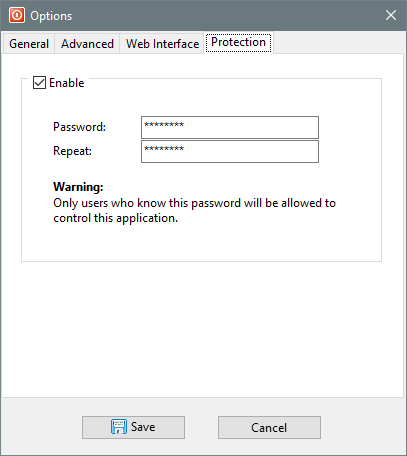
Protection