Settings
TODO
The Settings (also called Options) allow you to configure various behavioral aspects and features of the application. You can access them via the Options main menu item, the Settings button in the toolbar, or by using the F4 shortcut key.
The available settings are split into several broad categories outlined below.
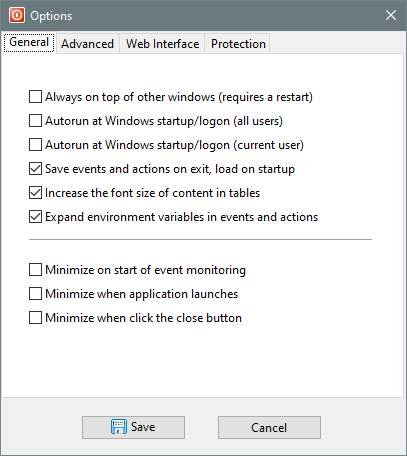
General
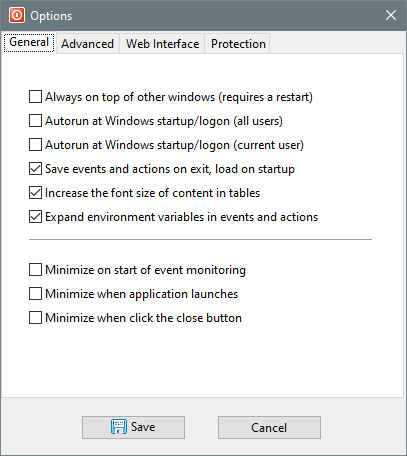
Always on top of other windows (requires a restart)
Autorun at Windows startup/logon (all users)
Autorun at Windows startup/login (current user)
Save events and actions on exit, load on startup
Increase the font size of content in tables
Expand environment variables in events and actions
Minimize on start of event monitoring
Minimize when application launches
Minimize when click the close button
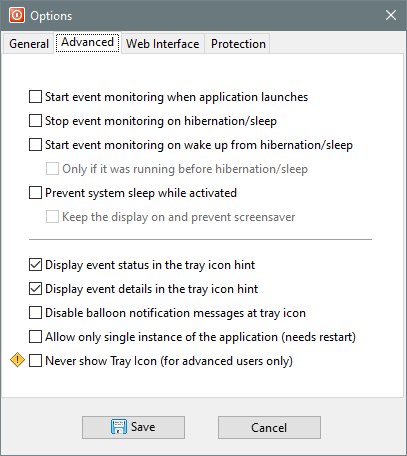
Advanced
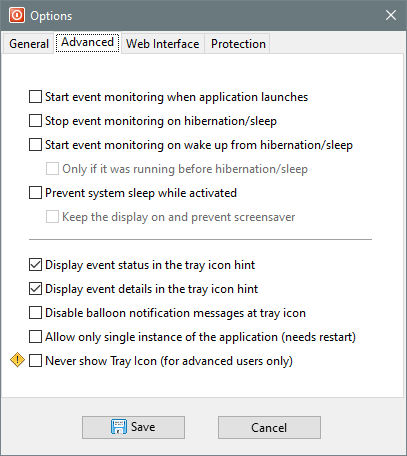
Start event monitoring when application launches
Stop event monitoring on hibernation/sleep
Start event monitoring on wake up from hibernation/sleep
Only if it was running before hibernation/sleep
Prevent system sleep while activated
Keep the display on and prevent screensaver
Display event status in the tray icon hint
Display event details in the tray icon hint
Disable balloon notification messages at tray icon
Allow only single instance of the application (needs restart)
Never show tray icon (for advanced users only)
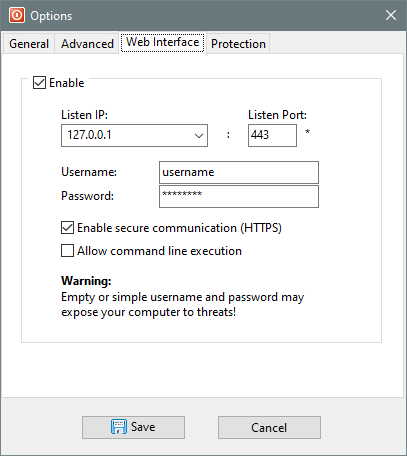
Web Interface
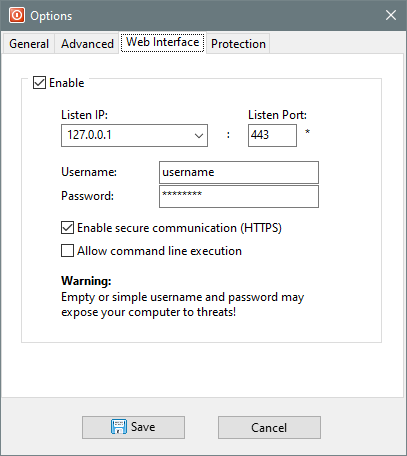
Enable
Listen IP
Listen Port
Username
Password
Enable secure communication (HTTPS)
Allow command line execution
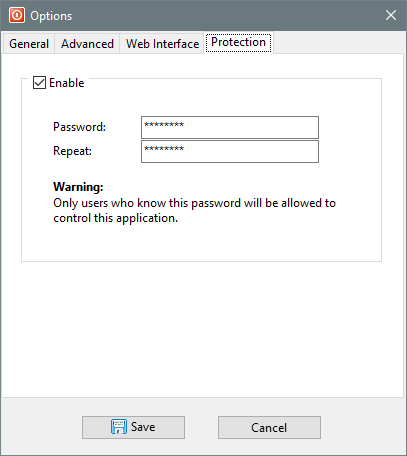
Protection
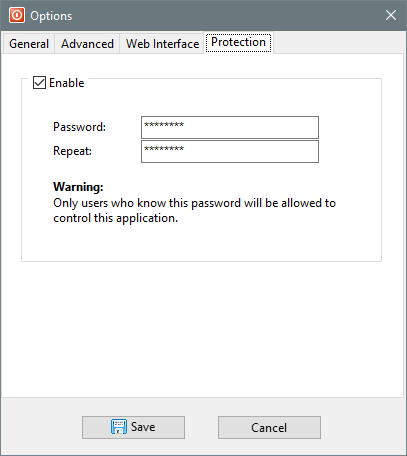
Enable
Password
Repeat