
Translit rule
TODO: Complete, review, update links.
This rule transliterates one alphabet into another. Its main goal is to transliterate Non-English characters from different languages into their English/Latin representation. The rule comes with built-in transliteration maps for many different languages, but you can also define your own custom mapping.
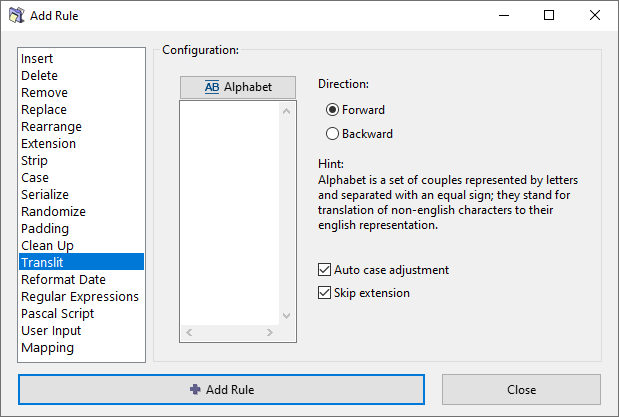
Transliteration maps
To transliterate, we define pairs of equivalent characters or combinations of characters. For example, "ü" character in German language can be transliterated to "ue", so the name "Müller" becomes "Mueller" in English alphabet.
We need several such equivalent pairs to convert one language into another. The entire set is called a transliteration map. You can think of it as a kind of a find-and-replace rule.
The rule comes with built-in transliteration maps for many different languages, but you can also define your own custom mapping. Each map can be used in both directions (forward or reverse), for example the French map can be used as French-to-English or as English-to-French.
When you create a new rule, its window does not show any maps. You can now do one of the following:
- Use any of the built-in maps.
- Create your own map and use it.
- Edit a built-in map first, and then use it.
Let us see how to do this.
Using a built-in transliteration map
...
Making your own transliteration map
...
Saving a transliteration map
...
Automatic case conversion
...
Unicode character forms
...